
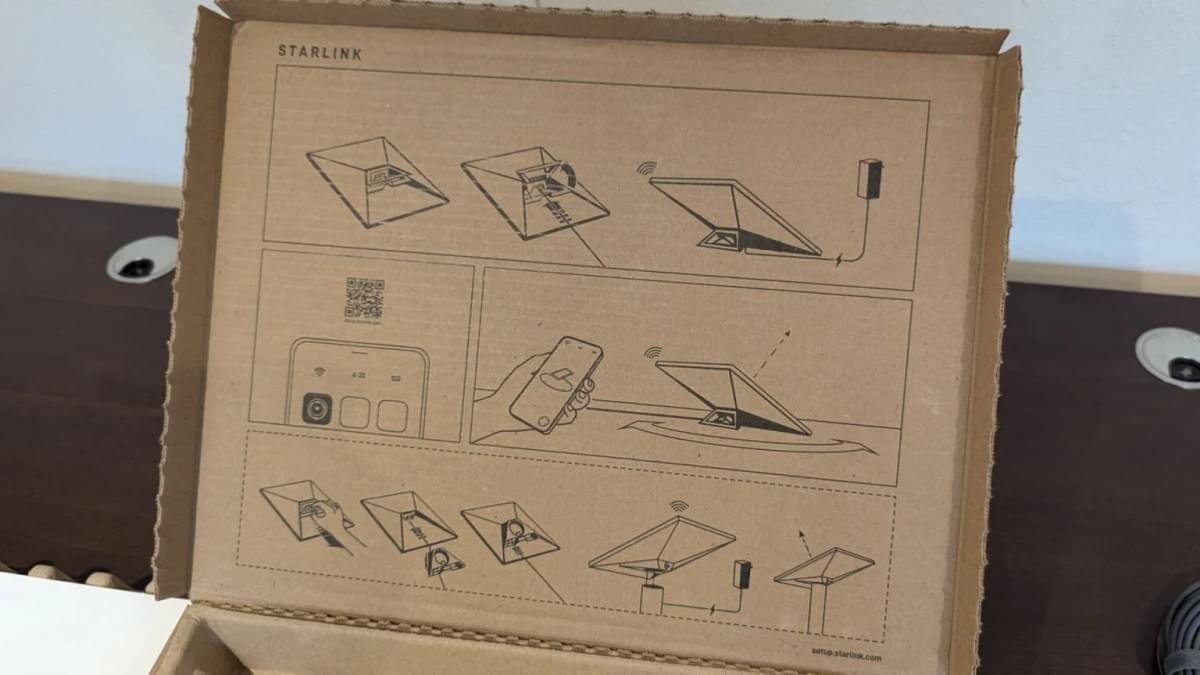
Step 1: Find an Unobstructed View of the Sky
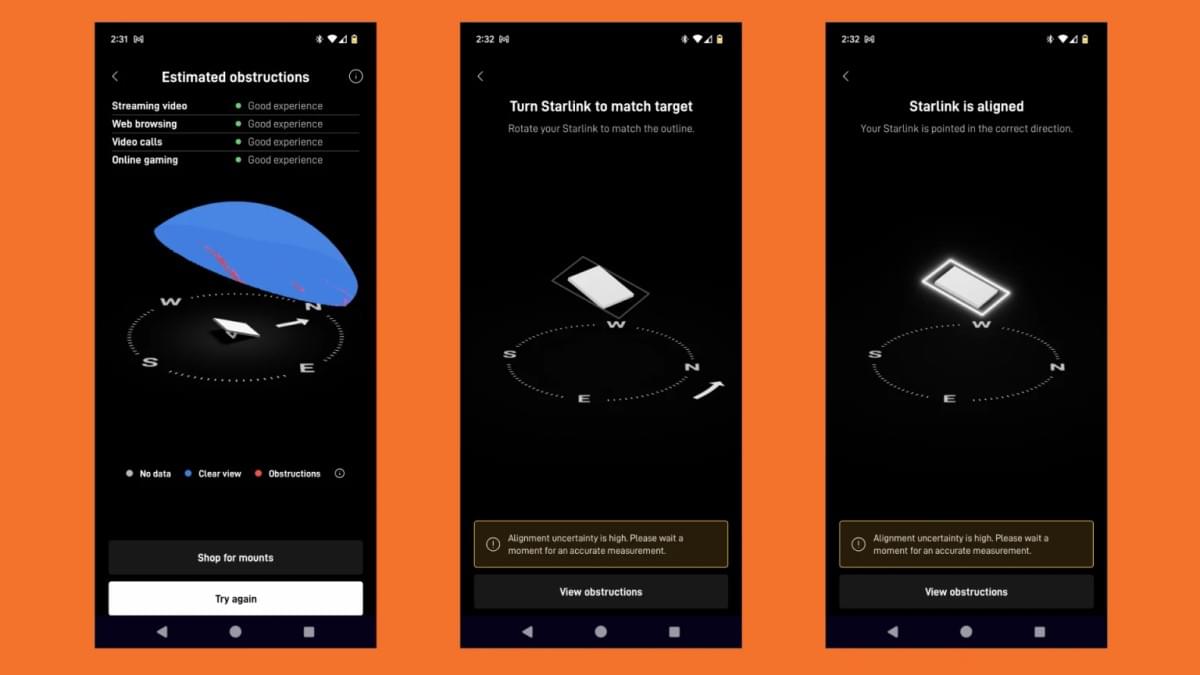
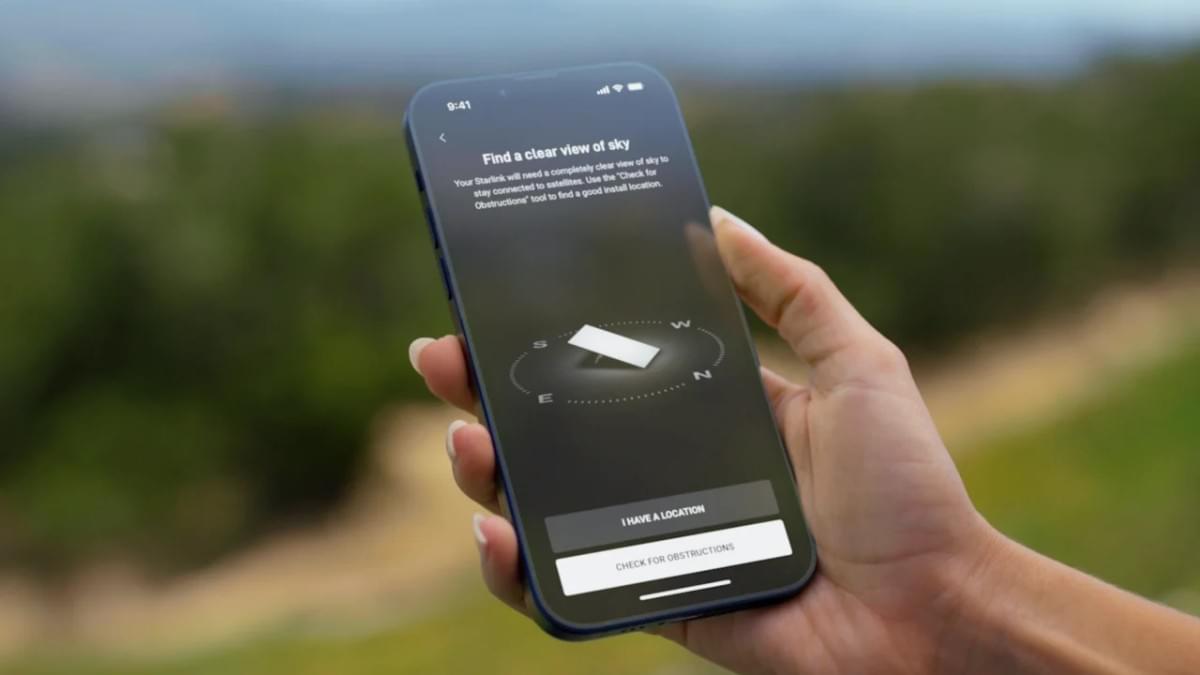
Like the standard Starlink dish, the Mini needs a clear, open view of the sky to connect with passing satellites. Use the Starlink app to check for obstructions and confirm that your chosen location is suitable.
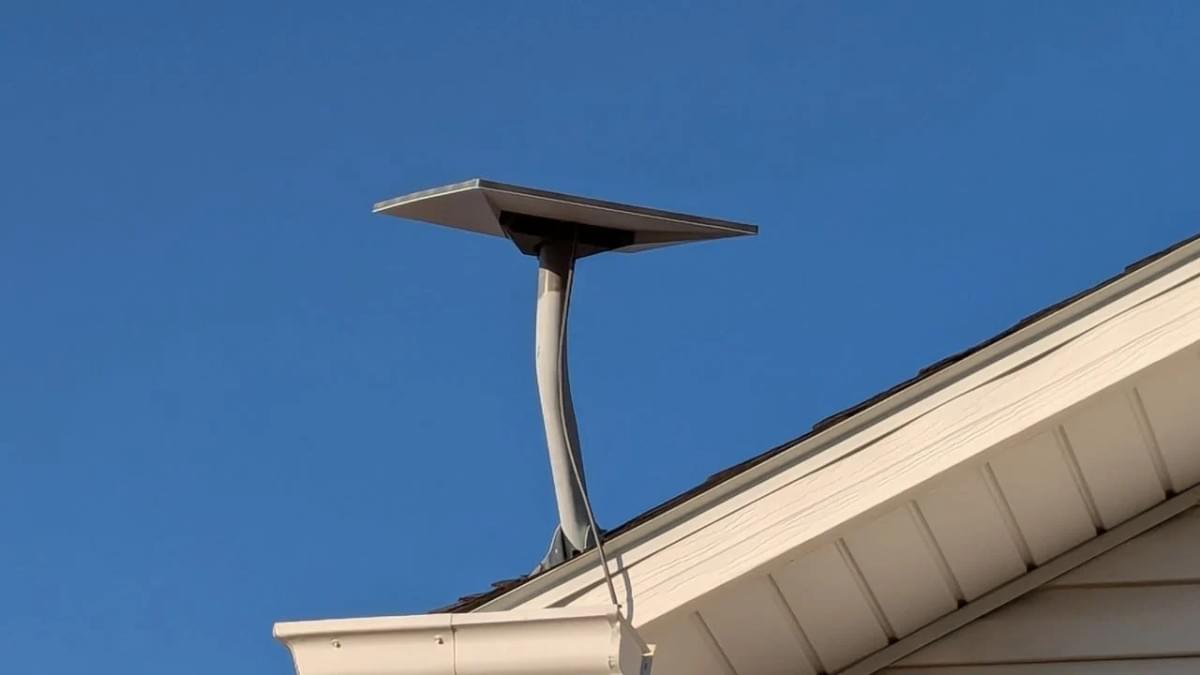
The ideal spot should have an unimpeded overhead view, with no trees, buildings, or other objects nearby that could block the signal. If a clear patch of ground isn't available, the dish can also be mounted on a pole, on top of a car or RV, or on a rooftop — provided you have the appropriate mounting hardware.
Step 2: Unbox or Unpack Your Equipment
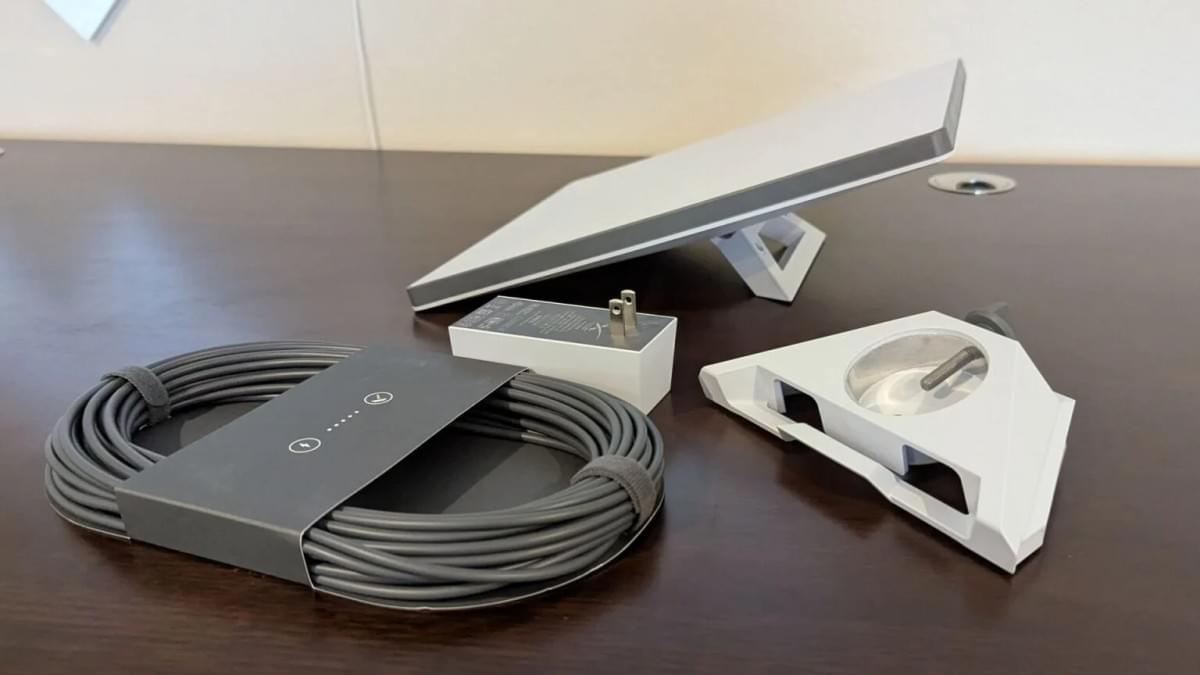
Whether you're opening it for the very first time or pulling it out for another trip, take a moment to confirm everything is in order. The Starlink Mini kit contains the following items:
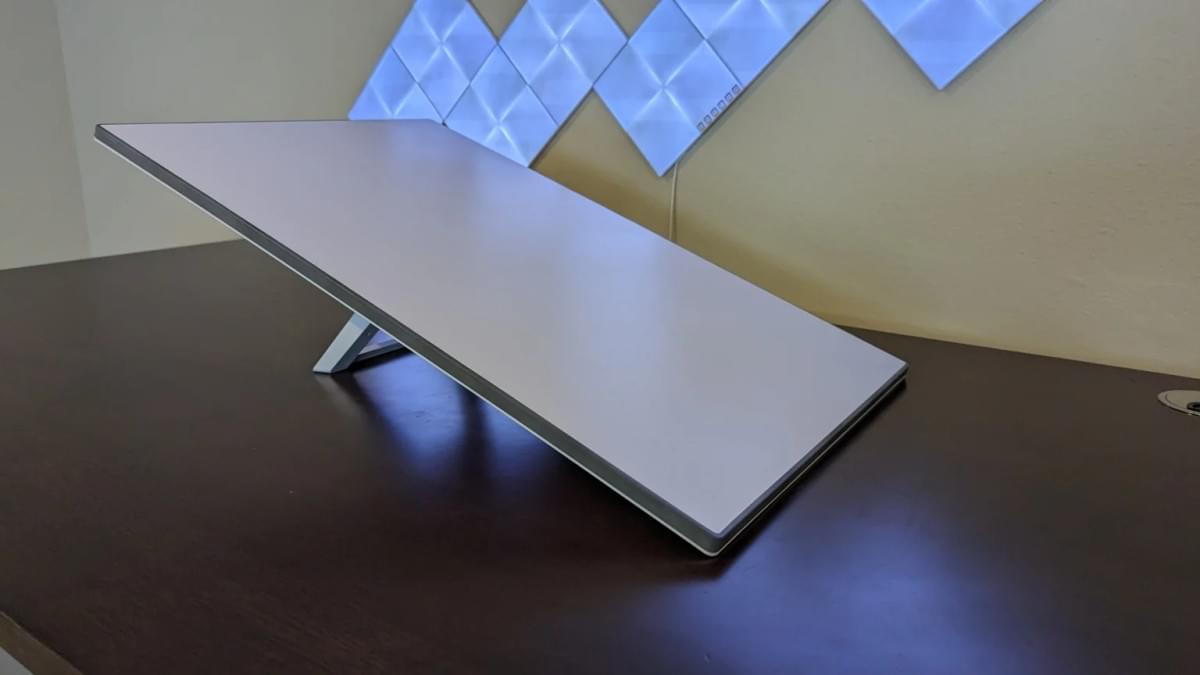
Combined dish and router unit
- Kickstand and pole mount
- 50-foot power cable
- Wall outlet plug adapter
- The kickstand comes pre-attached from the factory, so getting started is as easy as flipping it out and setting the dish on a flat surface. For more specialized needs — such as a rooftop mount or a vehicle power adapter — additional accessories are available through the Starlink Store.
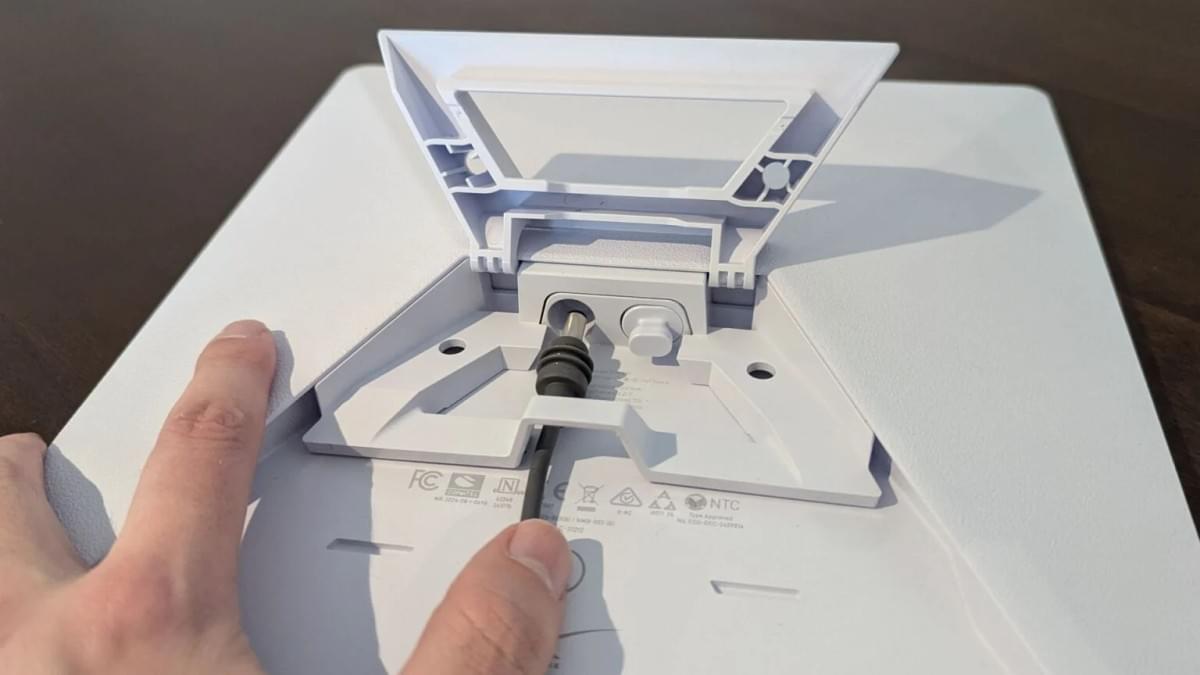
Step 3: Connect the Power and Switch It On
The physical setup for the Mini couldn't be simpler: there's just one cable to connect. The included 50-foot cable and 120-volt adapter both carry an IP66 Type 4 rating, making them suitable for indoor and outdoor use and capable of handling rain, snow, wind, and dust.
Step 4: Position and Angle the Dish
The final step is pointing the dish in the right direction. Whether it's sitting on the ground or mounted at height to clear nearby obstacles, you'll need to set the correct tilt angle so the dish can lock onto the satellites reliably.
Activating Starlink
With the dish in place and the cable connected, open the Starlink app and follow its step-by-step setup guide to activate the service — the process is refreshingly straightforward.
Even after that initial setup window, internet speeds may not be fully optimized during the first 12 hours of service. During this period, the system downloads additional software and drivers, maps the satellites visible from your location, and determines the optimal angles for communicating with each one. All of this happens automatically in the background — no manual adjustments are needed.
How Fast is Starlink?
Once everything is up and running, the connection is impressively smooth. Based on recent speed tests, average download speeds came in around 150Mbps, with peaks reaching 325Mbps. Upload speeds averaged 23Mbps, and latency consistently came in under 30 milliseconds. Across tests conducted from 2022 through 2025, upload performance has steadily improved and latency has continued to drop.
The satellite link manages itself automatically. While the occasional firmware update or brief network hiccup can occur, actual service interruptions are rare in practice.
Since the first review back in 2022, Starlink has seen consistent hardware and infrastructure improvements. Today it delivers the best speeds and lowest latency the service has ever offered — more than adequate for online gaming, remote work, video streaming, and everyday browsing.
A single router is capable of blanketing a five-bedroom home and most of the surrounding yard with a strong, stable Wi-Fi signal. For larger properties or homes with challenging layouts, Starlink's built-in mesh functionality lets you add a second router as a mesh node, or connect to an existing third-party mesh system you already have in place.
Getting More Out of Starlink
With setup complete, there's plenty more to explore. From handling power outages and boosting browsing speeds to enabling built-in content filtering, there are many ways to get more from the service. Guides are also available covering the Starlink app, how to reach customer support, and even how to carry out an emergency DIY cable repair if the need ever arises.
End
If you are looking for reliable Starlink hardware solutions, custom mounts, off-grid power kits, or professional integration for aviation, maritime, or remote operations, our team can help.
Browse at orbitmate.com — or reach out whatsapp: + 186 0305 7271 for a custom quote.
